Zerodha (Flat Rs 20 Per Trade)
Invest brokerage-free Equity Delivery and Direct Mutual Funds (truly no brokerage). Pay flat Rs 20 per trade for Intra-day and F&O. Open Instant Account and start trading today.
Margin is the money required in your trading account to take any new position in the stock market. Edelweiss offers a nice summary page which gives you complete detail about the margin.
Steps to check margin in Edelweiss
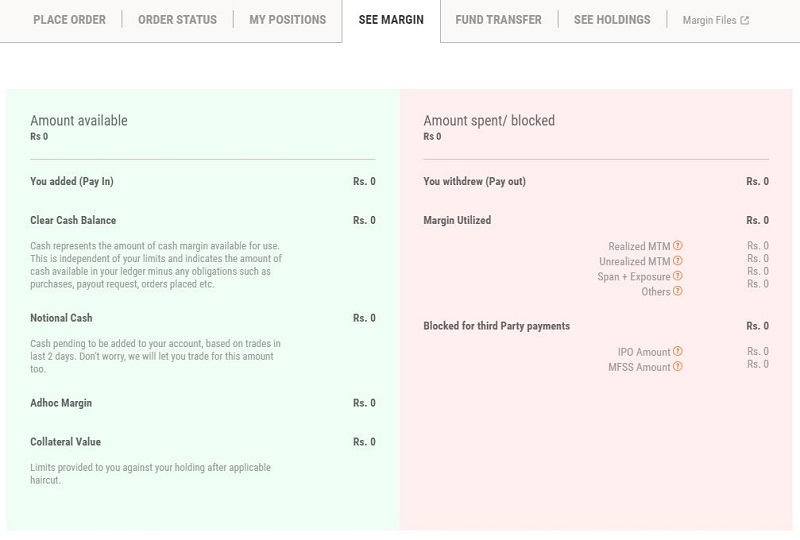
Cash Balance
Cash represents the amount of cash margin available for use. This is independent of your limits and indicates the amount of cash available in your ledger minus any obligations such as purchases, payout requests, orders placed etc.
Notional Cash
Cash pending to be added to your account, based on trades in the last 2 days. Edelweiss let you trade for this amount too.
Collateral Value
Limits provided to you against your holding after an applicable haircut.



