Zerodha Account Opening
Instant Free Account Opening| Free Equity Delivery & Mutual Funds| ₹20/trade on Intraday & F&O
India’s most trusted trading platform 💹
🔓 Open Account – FREE⏱ 5 min | 100% Online | Paperless
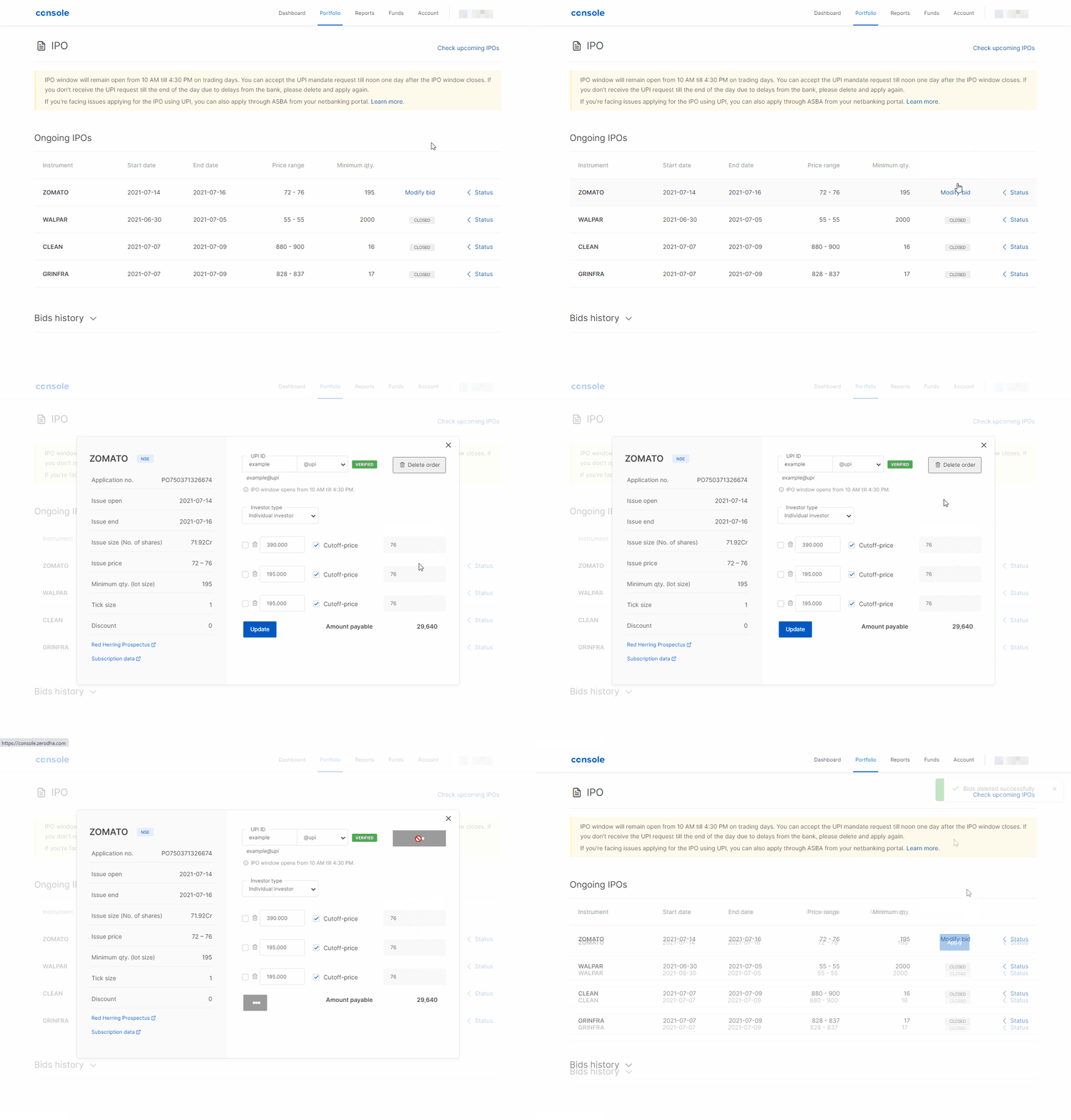
You can cancel the IPO application in Zerodha through Zerodha Console while the IPO window is open between 12 pm to 4.30 pm.
Steps to cancel IPO application in Zerodha:
 Open Instant Account - Start Trading Today



